
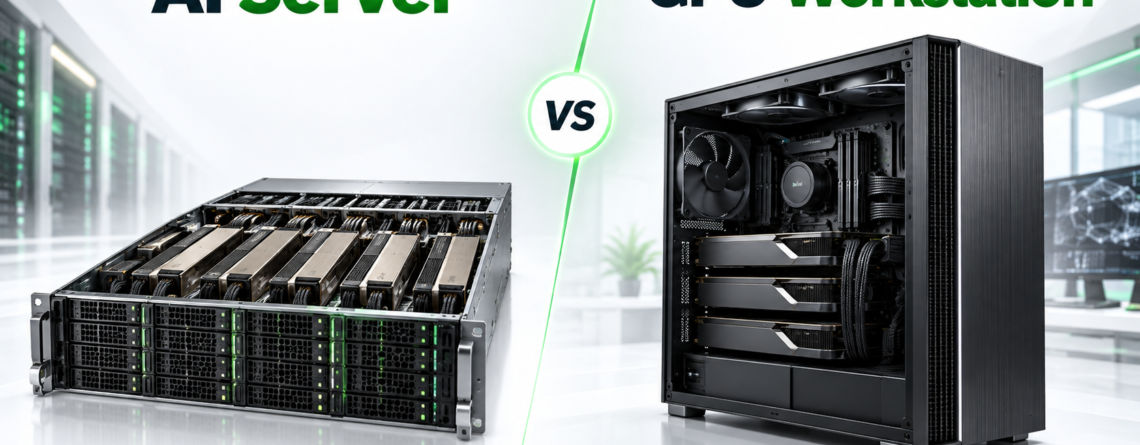
Short answer: Choose a GPU workstation when one person or a small team needs local, interactive access for development, rendering or testing. Choose an AI server when GPUs must run continuously, serve multiple users, scale beyond a desktop chassis or operate in a data center with remote management and redundant infrastructure.
What Is a GPU Workstation?
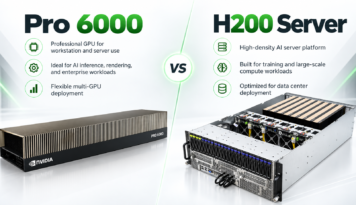
A GPU workstation is a professional desktop or tower built around one or more GPUs. It typically includes display outputs, local storage and direct keyboard-and-monitor access. Workstations are popular for AI development, CAD, 3D rendering, video production and experimentation because they are easy to place near the user.
A workstation can also be remotely accessed, but it is still designed around a desktop operating model. Power supply, cooling, noise, physical access and component replacement are usually optimized for an office or studio rather than a rack.
What Is an AI Server?
An AI server is designed for sustained compute, remote access and shared infrastructure. Rackmount servers can provide redundant power supplies, out-of-band management, server-grade networking, larger memory capacity and support for multiple GPUs. They are easier to integrate with data-center power, switching, storage and monitoring.
Key Differences
| Decision area | GPU Workstation | AI Server |
|---|---|---|
| Users | Usually one or a few | Shared or multi-tenant |
| Location | Office, lab or studio | Rack or data center |
| Management | Local or desktop remote access | Out-of-band and remote operations |
| Power | Single desktop supply | Server power, often redundant |
| GPU scale | Commonly one to four | Single GPU through dense multi-GPU nodes |
| Networking | Standard LAN | High-speed Ethernet or InfiniBand options |
Which Is Better for AI Training?
A workstation is effective for model development, small training jobs and fine-tuning that fits within one or two GPUs. A server becomes more practical when training must run for days, multiple GPUs need consistent airflow, datasets come from shared storage or several researchers share the system.
For multi-node training, server platforms are the normal choice because network topology, rack power and operational access become part of the compute architecture.
Which Is Better for Inference?
For local inference and application development, a workstation provides immediate access and avoids network latency. For production inference, an AI server offers better integration with load balancers, containers, monitoring, security controls and remote operations. Capacity planning should use real measurements such as tokens per second, time to first token, concurrency and context length.
Which Is Better for Rendering?
Interactive artists often prefer workstations for viewport performance and local display. Render farms and studios with many users benefit from servers because jobs can be scheduled centrally and GPUs can remain utilized outside office hours. RTX professional GPUs are especially relevant when workflows combine ray tracing, AI denoising, simulation and video processing.
Hidden Costs to Compare
- Office operation: heat, noise, electrical circuits and physical security.
- Data-center operation: rack space, power, bandwidth and remote hands.
- Downtime: replacement parts, travel and troubleshooting access.
- Software: operating system, virtualization and enterprise GPU licensing.
- Utilization: idle hardware can be more expensive than a higher-priced system that stays productive.
When Colocation Makes Sense
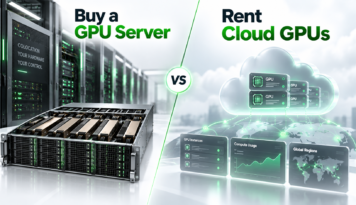
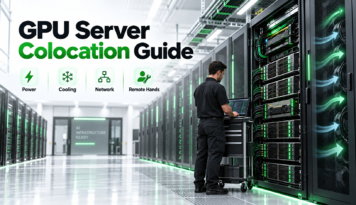
Colocation lets a company own its GPU server while a facility supplies rack space, power and network. It is useful when an office cannot support the heat or electrical load, when remote teams need centralized access or when the business wants predictable infrastructure without building a server room. Single-server colocation can be a sensible starting point and can expand as utilization grows.
Decision Checklist
- How many people or applications need access?
- What is the largest model or dataset?
- Will the system run occasionally or continuously?
- Is local display access required?
- How many GPUs are needed today and in twelve months?
- Who handles failures, reboots and component replacement?
- Can the location support the required power and cooling?
How Desert Eagle AI Can Help
Desert Eagle AI helps customers compare GPU workstations and AI servers, purchase appropriate hardware and deploy systems in U.S.-based hosting. We welcome single servers and can assist with rack planning, power, network and remote hands as requirements grow.
Share your workload and preferred GPU for a practical workstation, server or colocation recommendation.
Leave a Reply